把md文件和图片资源从gridea迁移到hexo
gridea用了半年,开始试试hexo。这是一个迁移脚本。
这是deepseek完成的作业。
hexo是一个快速、简洁且高效的博客框架。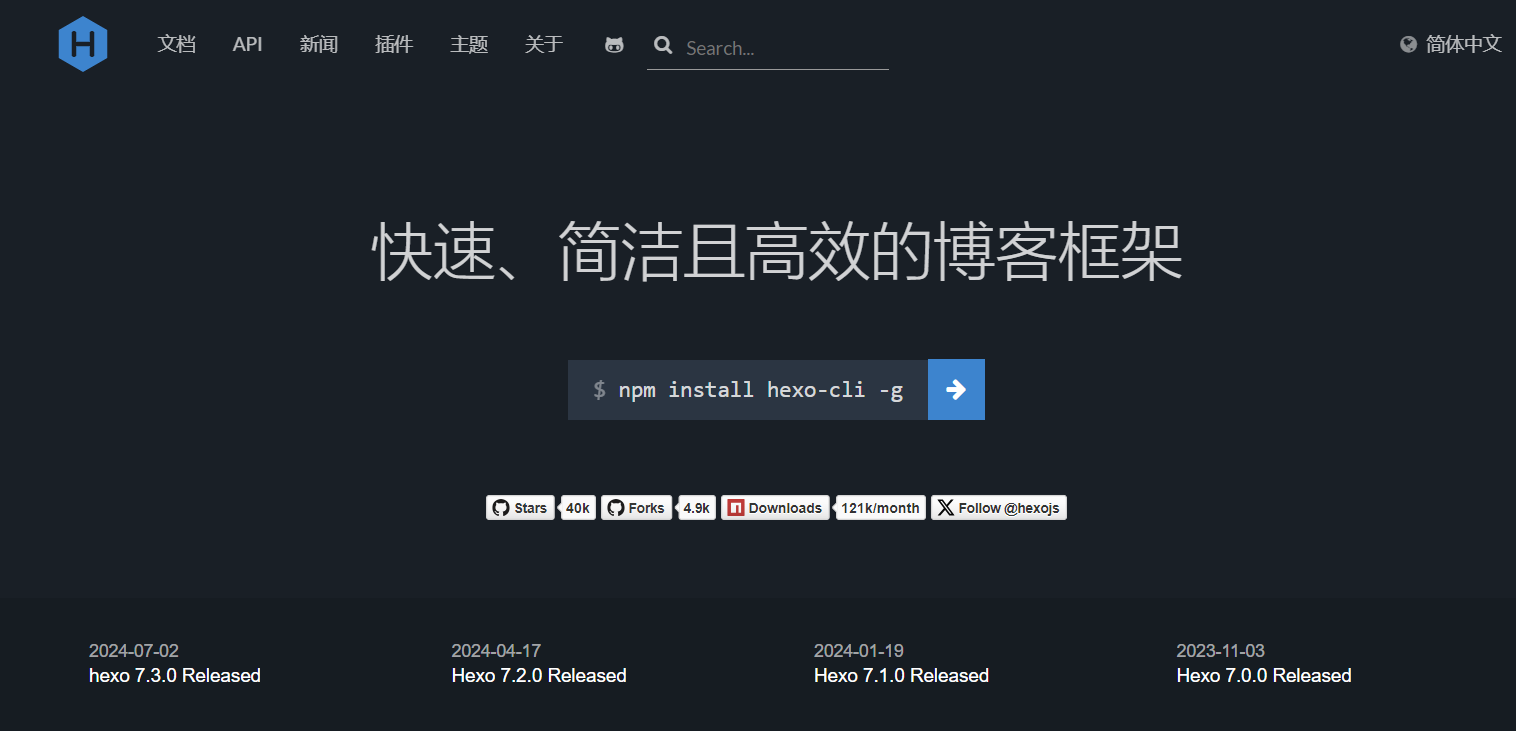
gridea是一个自带客户端的博客框架。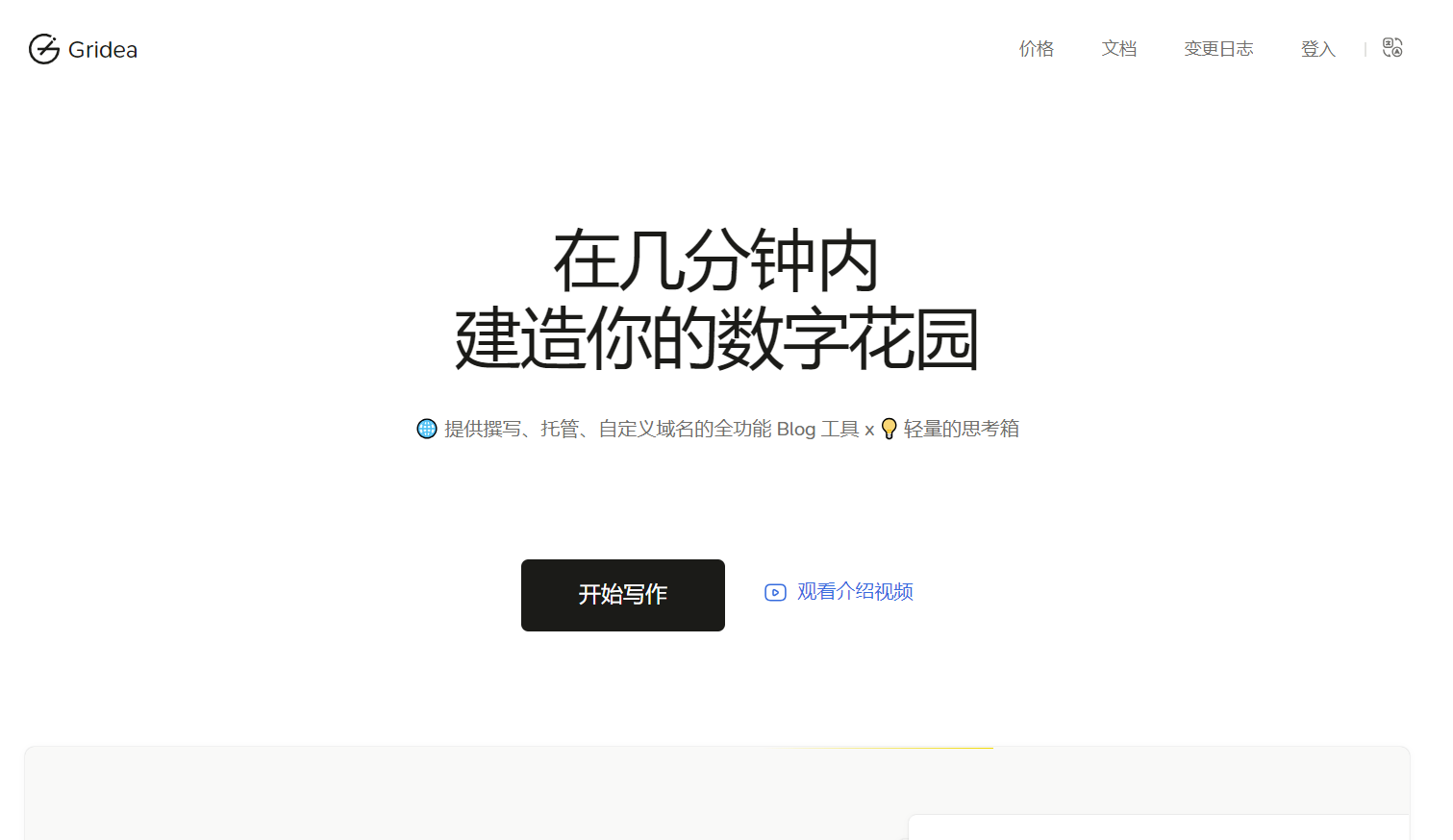
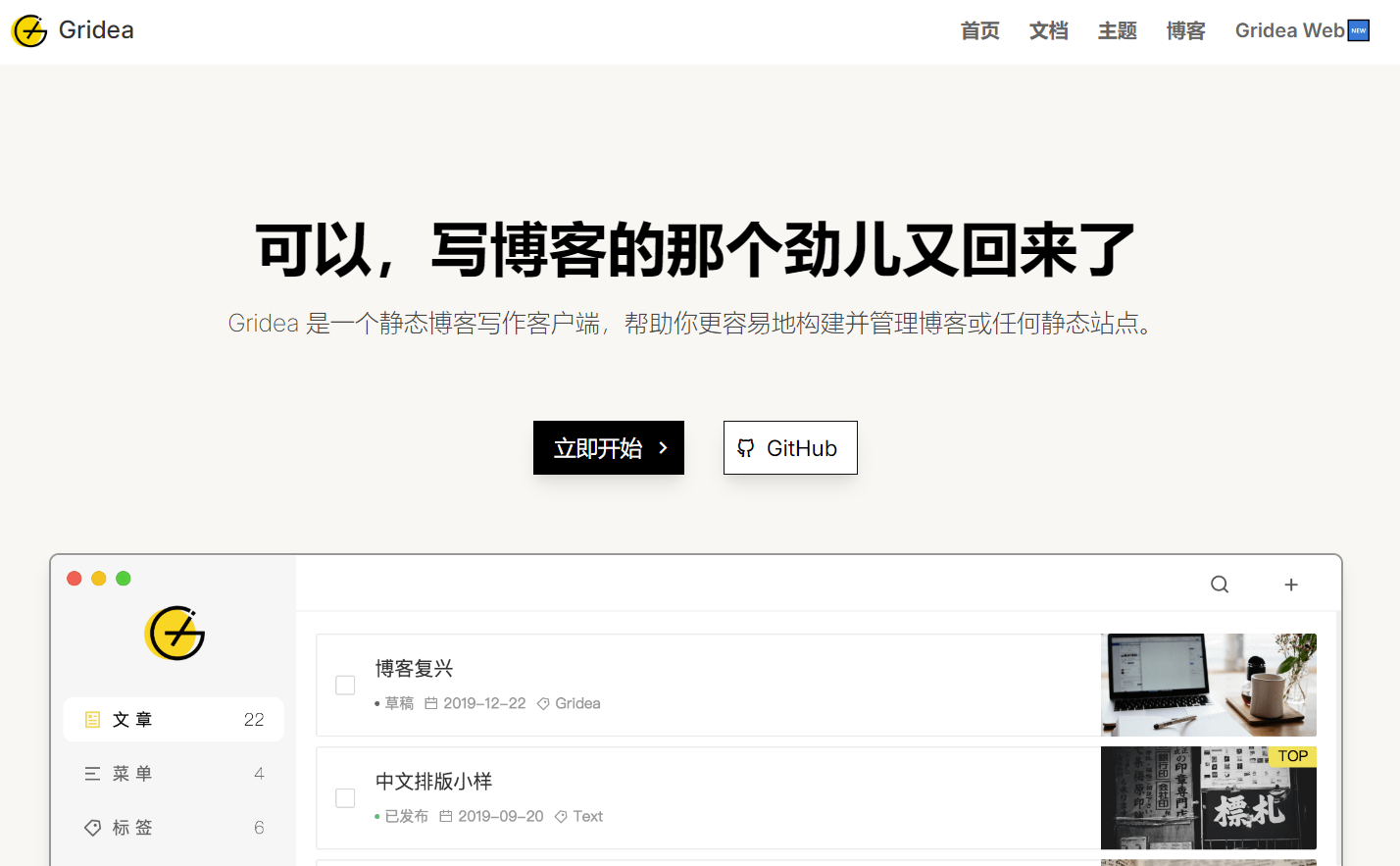
hexo本身只有cli,需要md编辑器来写md,由于习惯了gridea写md(gridea能自动把标题转换成英文单词,拼音并由-连接的文件名,而不是直接用带中文的标题当文件名,能插入本地图片,由时间戳重命名),才有了这个需求。
同步脚本
1 | import os |
保存为 sync_hexo.py,直接运行。
特点:
- 简洁实现:完全去除了日志系统,只保留必要的控制台输出;
- 双目录同步:同时处理图片目录和文章目录;
- 增量同步:通过比较文件修改时间和大小,只复制有变动的文件;
- 自动创建目录:如果目标目录不存在会自动创建;
- 错误处理:会捕获并显示复制过程中出现的错误。
注意事项
确保源目录路径正确(特别是Gridea的默认路径可能有变化)。
更新
由于gridea的md文件封面图使用feature标签,而hexo使用cover,在同步的同时需要进行替换。
1 | import os |
就是任性,用gridea客户端写,用hexo生成网站。
本博客所有文章除特别声明外,均采用 CC BY-NC-SA 4.0 许可协议。转载请注明来源 折腾日记!
相关推荐

2026-06-06
PEP668简介
平常使用python较少,安装组件一直是直接pip安装,最近因为在统信os上使用打包的python,又在其它设备上测试,遇上了PEP668。 什么是PEP668PEP 668 是 Python 的一项规范,用于将系统全局 Python 环境标记为“外部管理”,以避免 pip 与操作系统包管理器之间的冲突。PEP 668 提出了一种机制,让 Python 安装向 pip 等工具传达其全局包安装环境由操作系统或其他外部方式管理,而不是由 Python 自身管理。 PEP668错误在新版 Ubuntu 或其他 Linux 发行版中,当尝试在系统全局 Python 环境中使用 pip 安装包时...
2026-06-06
alpine安装python3
alpine linux是一个轻量级的Linux发行版,被广泛应用于容器环境中。由于其小巧的设计,它不包含完整的Python安装包。因此,想在alpine linux上使用Python时,需要进行一些安装和配置。 安装Python12apk add python3python3 --version 安装pippip是Python的默认包管理器,在安装Python之后,需要手动安装pip。 123apk add py3-pippip3 --versionpip3 install *** 笔记:alpine命令:apk add 安装包apk info 列出已安装包apk sea...
2026-06-06
豆瓣热映电影网页生成器
爱盼项目上显示了豆瓣热映和电视剧等信息,自己也想要一个这样的页面,不会写怎么办,呼叫deepseek生成一个。 生成的代码1234567891011121314151617181920212223242526272829303132333435363738394041424344454647484950515253545556575859606162636465666768697071727374757677787980818283848586878889909192939495969798991001011021031041051061071081091101111121131141...
2026-06-06
打包python应用到统信os中运行
在win10下写了一个python抽签程序,需要搬到统信os下去运行,但没有root权限,不能安装tkinter或qt5组件,所以要把python应用打包成单一可执行文件。 python应用打包可用pyinstaller,要打包统信os下能运行,需要在统信os下进行打包。 virtualbox安装统信os v20从统信官网下载统信os v20的iso文件,安装到virtualbox。打开开发者模式: 安装python环境和组件123sudo apt updatesudo apt install python3-pippip3 install pyinstaller 安装pyinst...
2026-06-06
用ds生成小工具image_converter
deepseek能做很多事,本文借助ds开发一个windows小工具,图片转换器image_converter。 程序主代码提问:用python完成把一个目录下的图片转换格式到另一个目录,并提供图形界面,打包成单个文件的windows程序。 1234567891011121314151617181920212223242526272829303132333435363738394041424344454647484950515253545556575859606162636465666768697071727374757677787980818283848586878889909192...
2026-06-06
生成命令行版本image-converter
本文生成带参数运行的命令行版本image-converter。 提问:如果生成命令行exe程序,带三个参数运行,目录A,目录B,转换方式(png,webp,jpg等,默认webp,可省略),怎么做? 主代码1234567891011121314151617181920212223242526272829303132333435363738394041424344454647484950515253545556575859606162636465666768697071727374757677import osimport sysimport argparsefrom PIL impor...
评论