安装Jellyfin
Jellyfin是一个开源的媒体系统,是Emby 和 Plex的替代方案,后两者功能类似但都要收费。本文记录了deb和docker两种安装方式。
Jellyfin可以将所有的电影、电视剧、动漫、漫画、书籍、音乐等放进去,然后在所有的平台上免费观看,进度是同步的。还可以设置「刮削器」,把影片信息从网上下载整理好放到旁边,整个过程是自动的。如果在通勤的路上想要看电影,Jellyfin也可以硬件加速转码,帮助提高视频流畅度,同时节省流量。
脚本安装
curl -s https://repo.jellyfin.org/install-debuntu.sh | bash
1 | > Determining optimal repository settings. |
从ip:8096 访问
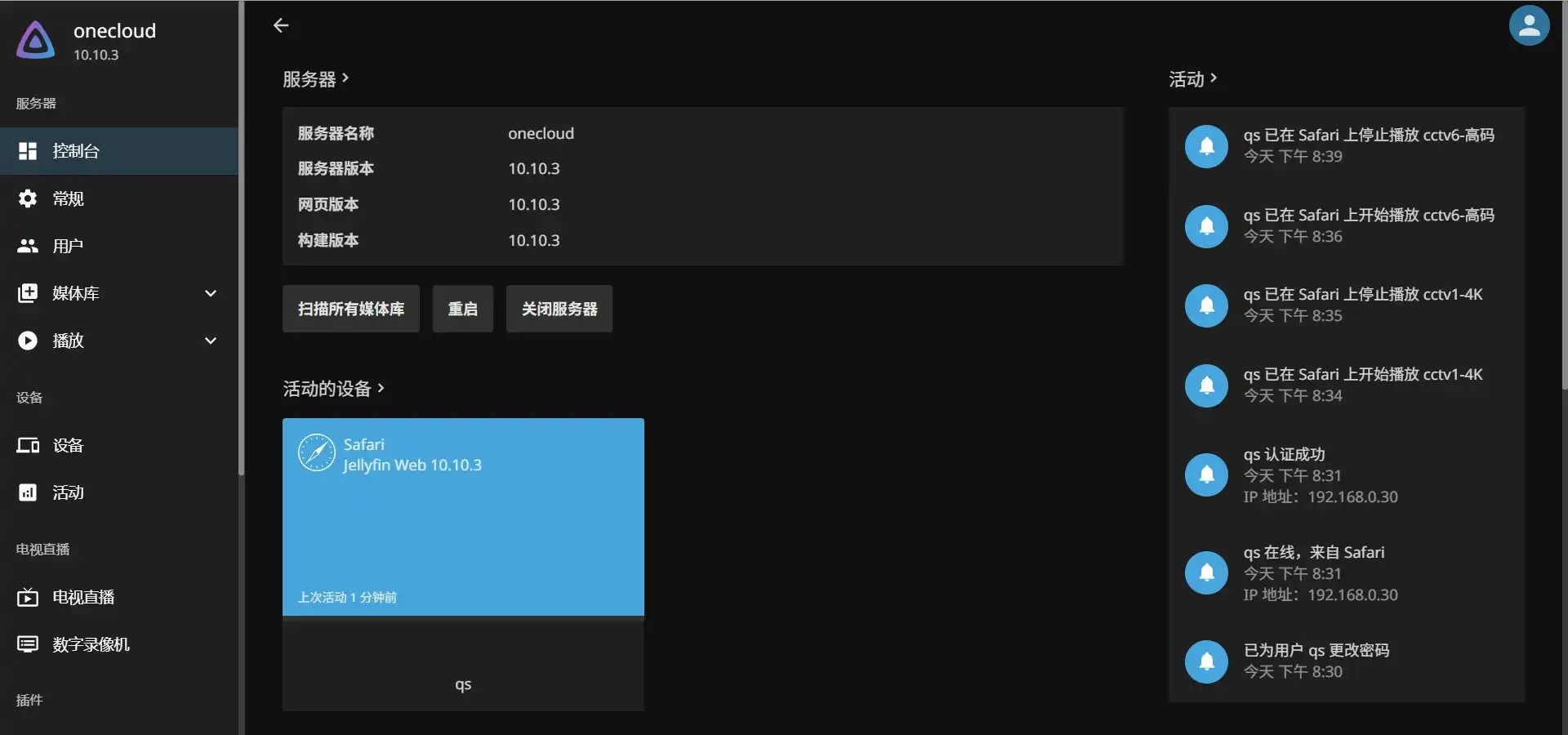
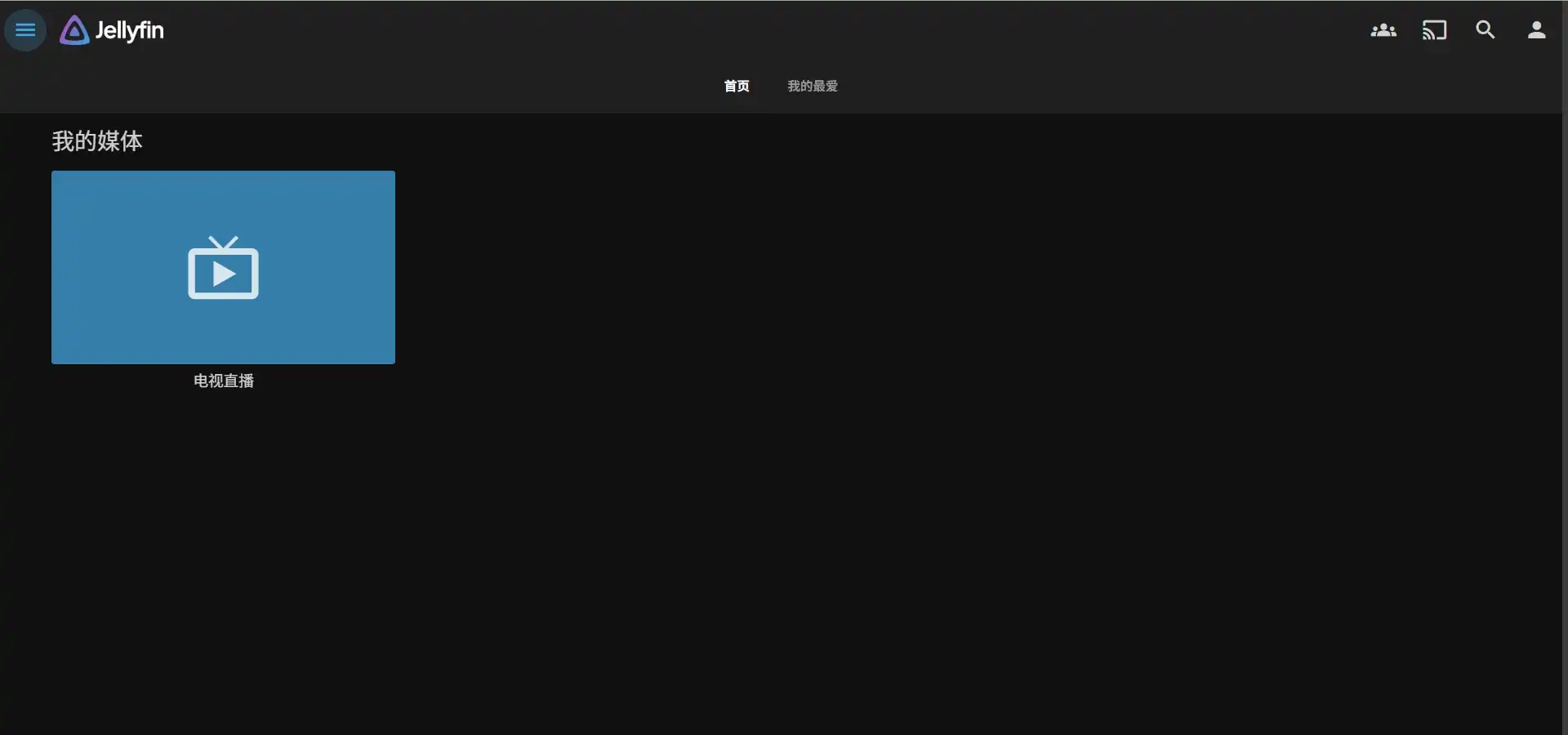

电视源就是之前在本地建立的。
docker安装
1 | docker pull jellyfin/jellyfin:latest # or docker pull ghcr.io/jellyfin/jellyfin:latest |
同样是从8096端口访问。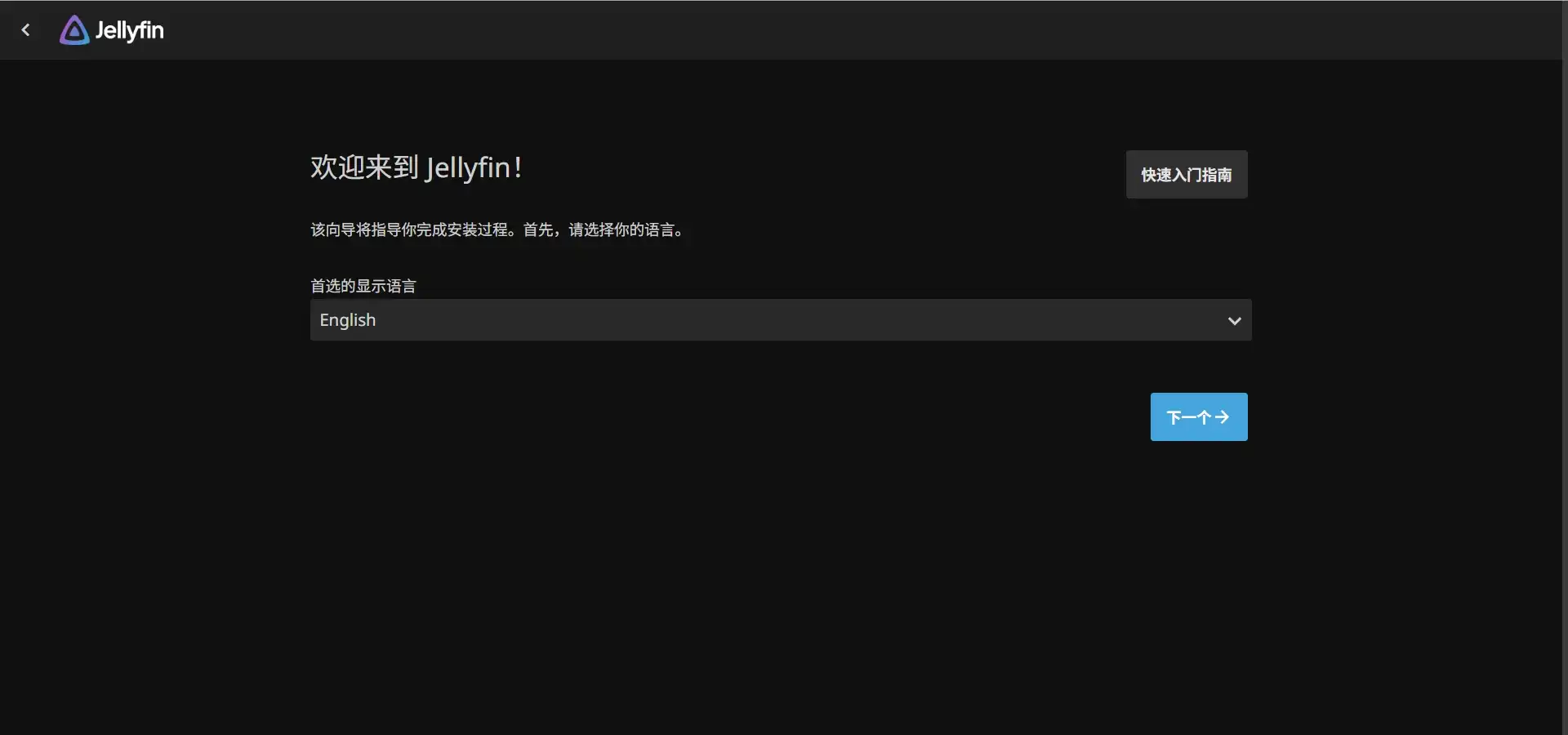
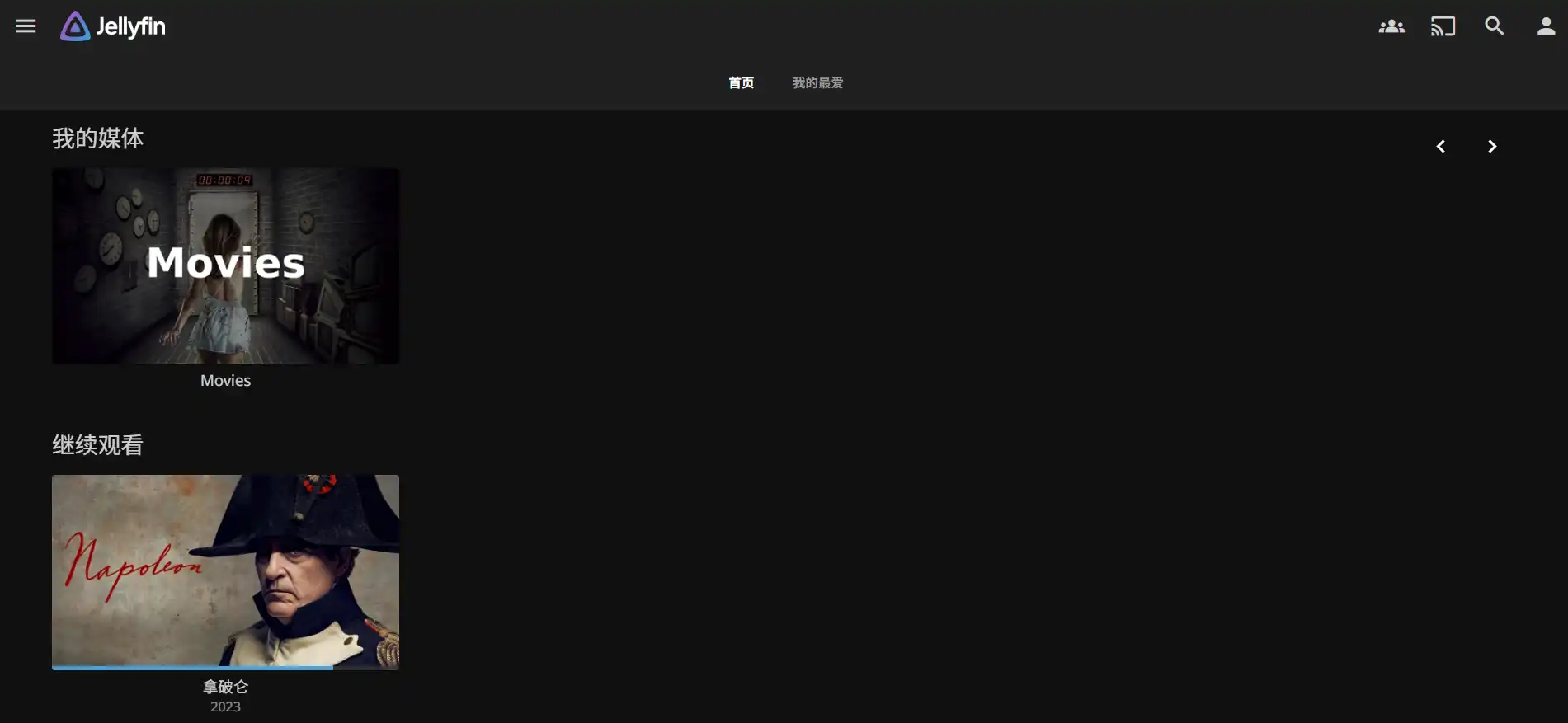
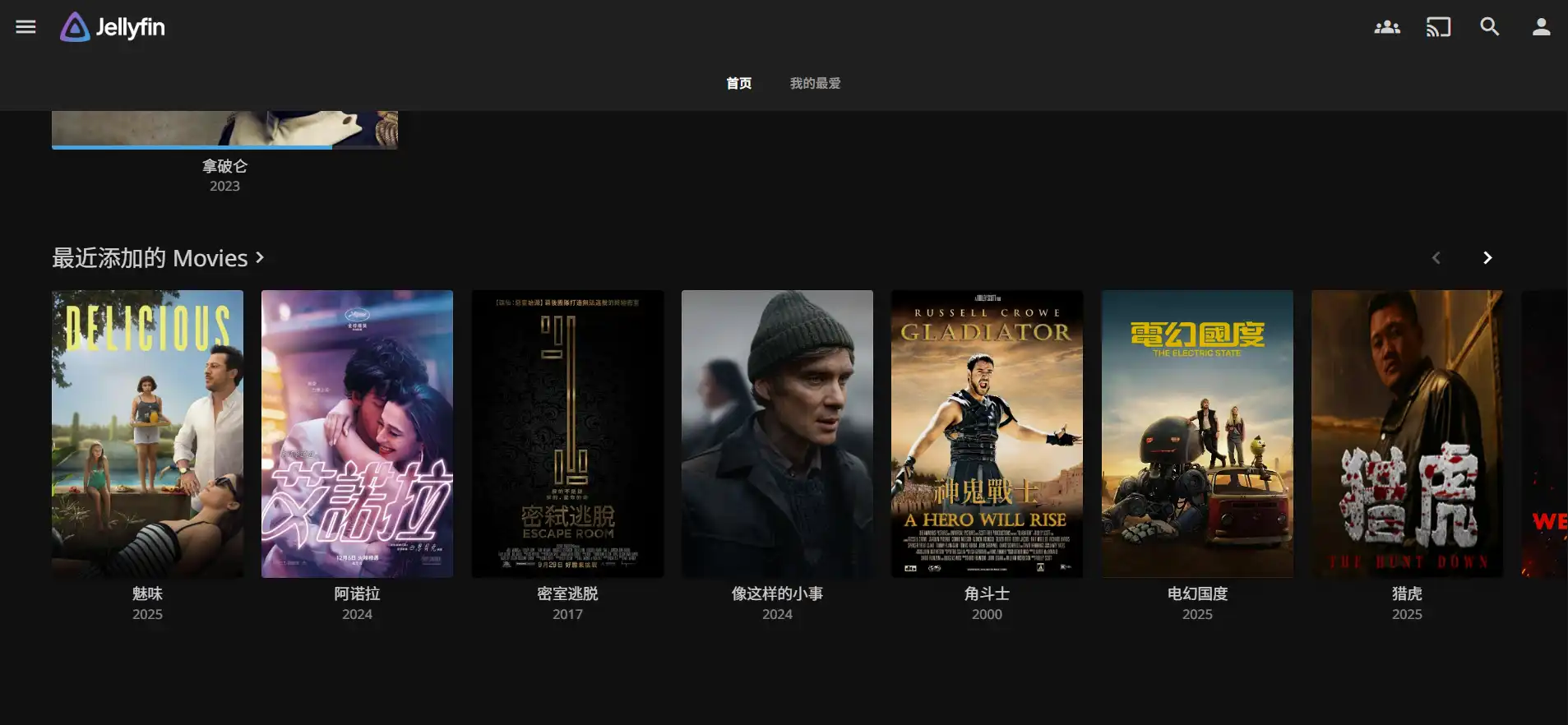



jellyfin在windows、linux、armbian上都可以安装。
本博客所有文章除特别声明外,均采用 CC BY-NC-SA 4.0 许可协议。转载请注明来源 折腾日记!
相关推荐

2026-06-06
omnibox: 一个好用的影视聚合平台
omniBox是一个影视聚合平台,支持 Docker 一键部署,可整合阿里云盘等 8 种主流网盘、影视采集站、IPTV 传统频道及 B 站、抖音等多平台直播源,还能联动 PanSou/PanHub 盘搜引擎实现资源快速检索。本文记录omnibox1.44版的使用。 一键部署docker-compose.yml: 1234567891011services: omnibox: image: lampon/omnibox:v1.4.4 container_name: omnibox ports: - "7023:7023" ...

2026-06-06
Tailscale Peer Relay配置方法
Tailscale Peer Relay 是一种由用户自行控制的私有中继节点,用于替代官方 DERP 中继,将 Tailnet 内部的加密流量通过指定的节点转发,从而减少绕行、降低延迟并提升稳定性。 Peer Relay是什么Peer Relay 是 Tailscale 在 1.86 版本引入的功能,允许将 Tailnet 内的一个节点配置为中继服务器。当两台设备无法直连时,流量可以通过这个私有中继节点转发,而不是走公共 DERP。它和自建 DERP 的目标类似,但配置更简单、集成更原生。 Tailscale 在建立连接时会按以下优先级尝试:Direct(直连) → Peer Rela...

2026-06-06
EasyTier组网简介
EasyTier由 Rust 和 Tokio 驱动,是一个简单、安全、去中心化的异地组网方案。本文记录了gui方式和cli方式组网。 官网:https://easytier.cn/开源项目:EasyTier/EasyTier gui方式安装和使用在 https://easytier.cn/guide/download.html 下载gui客户端并安装。支持linux和windows,mac,android。运行,填写网络名称,网络密码和初始节点,点击运行网络。 加入同一个网络需要网络名称和网络密码相同。EasyTier 是去中心化的,不区分服务器和客户端,只要一个设备可以与...

2026-06-11
ZeroTier组网简介
ZeroTier是一个跨分布式基础设施实现安全连接的平台。连接设备、云和网络,无需复杂设置。本文介绍zerotier的使用方法。 官网:https://www.zerotier.com/ 注册账号账号中心:https://central.zerotier.com/zerotier帐号可以用github,google或微软帐号直接登录,也可以直接注册。登入帐号,填写组织名(随便写),选择订阅计划,这里选择个人计划(免费)。建立网络,获得一个16位网络ID。加入网络只需填写这个ID,再到账号中心同意该设备加入网络。 飞牛安装应用商店中有zerotier,直接安装,打开后填入上面的ID,到帐...

2026-06-10
Tailscale组网实现内网穿透
Tailscale 是一款简单易用的零配置 VPN 工具,快速搭建安全的私人网络,无需复杂的设置。支持多平台设备(Windows、macOS、Linux、iOS、Android)互联。 官网:https://tailscale.com/ 认证方式支持google帐号,微软帐号,github帐号,苹果帐号登录。本文以github帐号方式登录。在需要组网的设备上安装相应客户端,打开,登入同一帐号,就会弹出网页,提示将要加入github帐号所在tailnet,点击连接就会加入网络。打开https://login.tailscale.com/admin/machines,会显示已经连入的设备。...
2026-06-06
影音播放系统Emby
Emby是一款优秀的媒体服务器软件,致力于为用户提供丰富的多媒体体验。通过Emby,可以方便地在家庭内的各种设备上观看喜爱的电影、电视剧和其他视频内容。而且,Emby还具备强大的媒体管理功能,让影视资源井然有序,随时随地畅享观影乐趣。 部署docker-compose.yml: 12345678910111213141516171819202122version: "2.3"services: emby: image: emby/embyserver container_name: embyserver #runtime: nvidia # Ex...
评论