immich: 自托管相册服务

• 11 分钟阅读 • web · nas

nas一般都有照片管理,而immich是一个自托管的照片管理服务,自带手机应用,方便备份。
本文记录immich的部署过程。

官方网站:https://immich.app/
项目地址:immich-app/immich

安装

sudo mkdir -p /data/immich
cd /data/immich
curl -o- https://raw.githubusercontent.com/immich-app/immich/main/install.sh | sudo bash

有梯子直接就可以安装上。

install.sh内容:

#!/usr/bin/env bash
set -o nounset
set -o pipefail

create_immich_directory() {
  local -r Tgt='./immich-app'
  echo "Creating Immich directory..."
  if [[ -e $Tgt ]]; then
    echo "Found existing directory $Tgt, will overwrite YAML files"
  else
    mkdir "$Tgt" || return
  fi
  cd "$Tgt" || return 1
}

download_docker_compose_file() {
  echo "Downloading docker-compose.yml..."
  "${Curl[@]}" "$RepoUrl"/docker-compose.yml -o ./docker-compose.yml
}

download_dot_env_file() {
  echo "Downloading .env file..."
  "${Curl[@]}" "$RepoUrl"/example.env -o ./.env
}

generate_random_password() {
  echo "Generate random password for .env file..."
  rand_pass=$(echo "$RANDOM$(date)$RANDOM" | sha256sum | base64 | head -c10)
  if [ -z "$rand_pass" ]; then
    sed -i -e "s/DB_PASSWORD=postgres/DB_PASSWORD=postgres${RANDOM}${RANDOM}/" ./.env
  else
    sed -i -e "s/DB_PASSWORD=postgres/DB_PASSWORD=${rand_pass}/" ./.env
  fi
}

start_docker_compose() {
  echo "Starting Immich's docker containers"

  if ! docker compose >/dev/null 2>&1; then
    echo "failed to find 'docker compose'"
    return 1
  fi

  if ! docker compose up --remove-orphans -d; then
    echo "Could not start. Check for errors above."
    return 1
  fi
  show_friendly_message
}

show_friendly_message() {
  local ip_address
  ip_address=$(hostname -I | awk '{print $1}')
  # If length of ip_address is 0, then we are on a Mac
  if [ ${#ip_address} -eq 0 ]; then
    ip_address=$(ipconfig getifaddr en0)
  fi
  cat <<EOF
Successfully deployed Immich!
You can access the website or the mobile app at http://$ip_address:2283
---------------------------------------------------
If you want to configure custom information of the server, including the database, Redis information, or the backup (or upload) location, etc.

  1. First bring down the containers with the command 'docker compose down' in the immich-app directory,

  2. Then change the information that fits your needs in the '.env' file,

  3. Finally, bring the containers back up with the command 'docker compose up --remove-orphans -d' in the immich-app directory
EOF
}

# MAIN
main() {
  echo "Starting Immich installation..."
  local -r RepoUrl='https://github.com/immich-app/immich/releases/latest/download'
  local -a Curl
  if command -v curl >/dev/null; then
    Curl=(curl -fsSL)
  else
    echo 'no curl binary found; please install curl and try again'
    return 14
  fi

  create_immich_directory || {
    echo 'error creating Immich directory'
    return 10
  }
  download_docker_compose_file || {
    echo 'error downloading Docker Compose file'
    return 11
  }
  download_dot_env_file || {
    echo 'error downloading .env'
    return 12
  }
  generate_random_password
  start_docker_compose || {
    echo 'error starting Docker'
    return 13
  }
  return 0
}

main
Exit=$?
[[ $Exit == 0 ]] || echo "There was an error installing Immich. Exit code: $Exit. Please provide these logs when asking for assistance."
exit "$Exit"

脚本会在当前目录下建立文件夹immich-app,并在这个文件夹下放置docker-compose.yml和.env文件,并运行docker-compose建立容器。
默认相册数据在immich-app目录下,可修改.env文件中的UPLOAD_LOCATION来自定义路径。

Starting Immich installation...
Creating Immich directory...
Found existing directory ./immich-app, will overwrite YAML files
Downloading docker-compose.yml...
Downloading .env file...
Generate random password for .env file...
Starting Immich's docker containers
[+] Running 65/65
✔ immich-server Pulled                                                                                                               416.2s 
✔ immich-machine-learning Pulled                                                                                                     573.9s 
✔ database Pulled                                                                                                                    536.6s 
✔ redis Pulled                                                                                                                       546.8s 
[+] Running 6/6
✔ Network immich_default             Created                                                                                           0.2s 
✔ Volume "immich_model-cache"        Created                                                                                           0.0s 
✔ Container immich_redis             Started                                                                                           9.2s 
✔ Container immich_postgres          Started                                                                                           9.5s 
✔ Container immich_machine_learning  Started                                                                                           9.0s 
✔ Container immich_server            Started                                                                                           3.4s 
Successfully deployed Immich!
You can access the website or the mobile app at http://192.168.0.5:2283
---------------------------------------------------
If you want to configure custom information of the server, including the database, Redis information, or the backup (or upload) location, etc.

 1. First bring down the containers with the command 'docker compose down' in the immich-app directory,

 2. Then change the information that fits your needs in the '.env' file,

 3. Finally, bring the containers back up with the command 'docker compose up --remove-orphans -d' in the immich-app directory

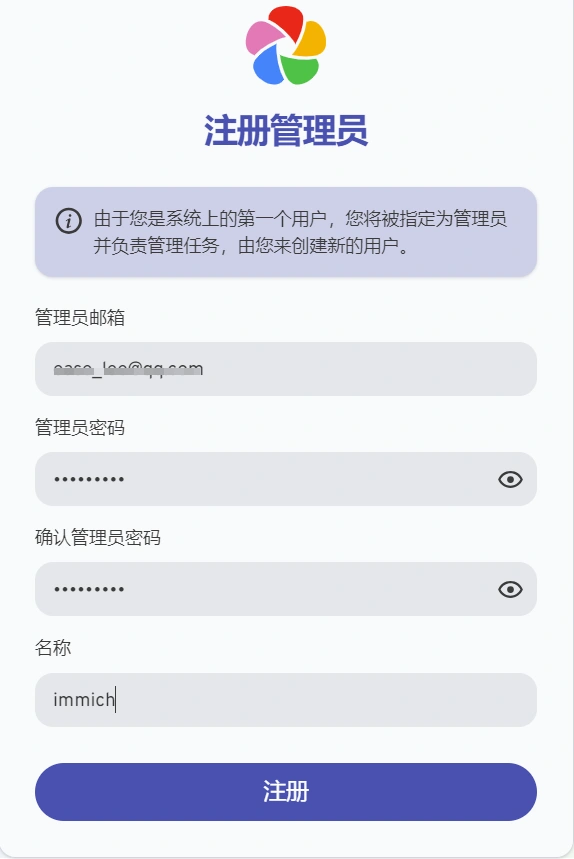
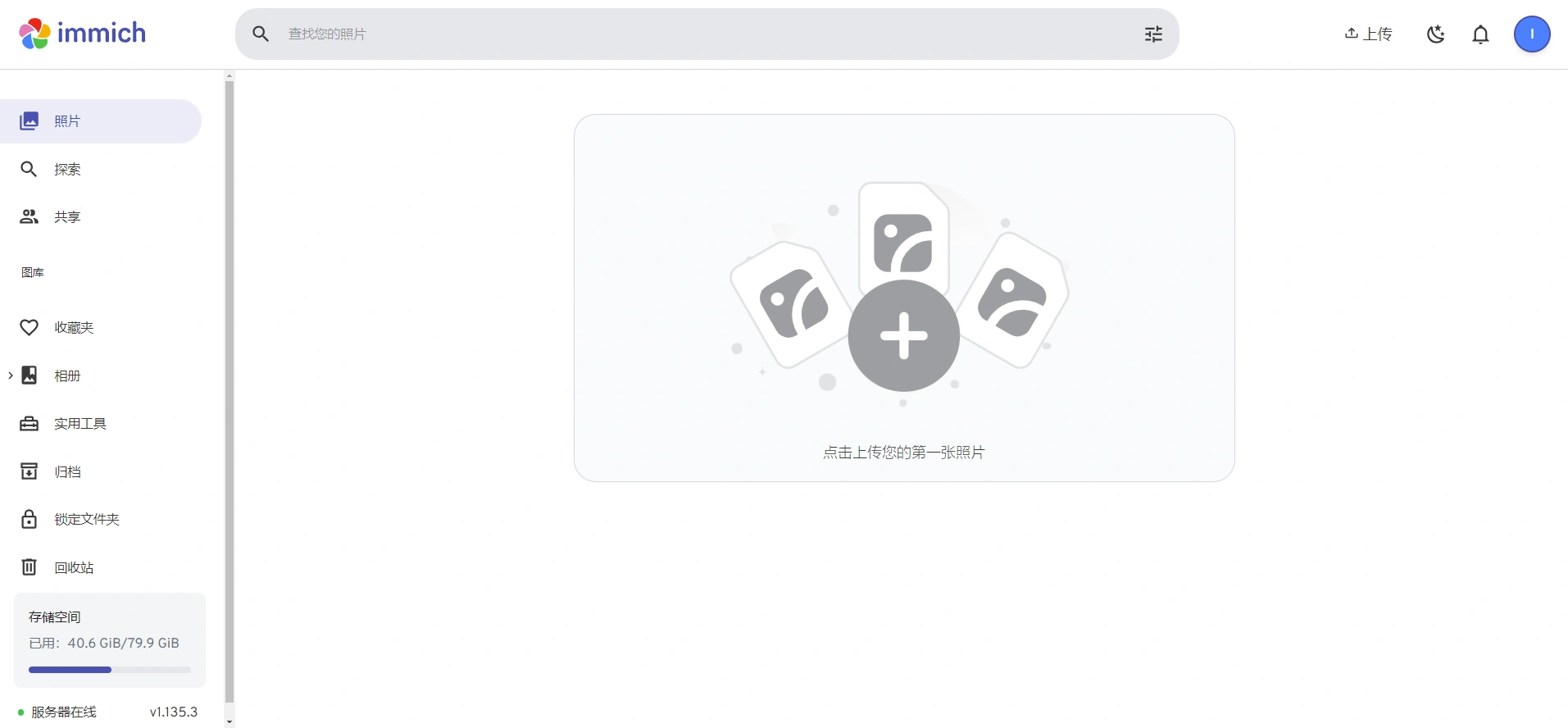
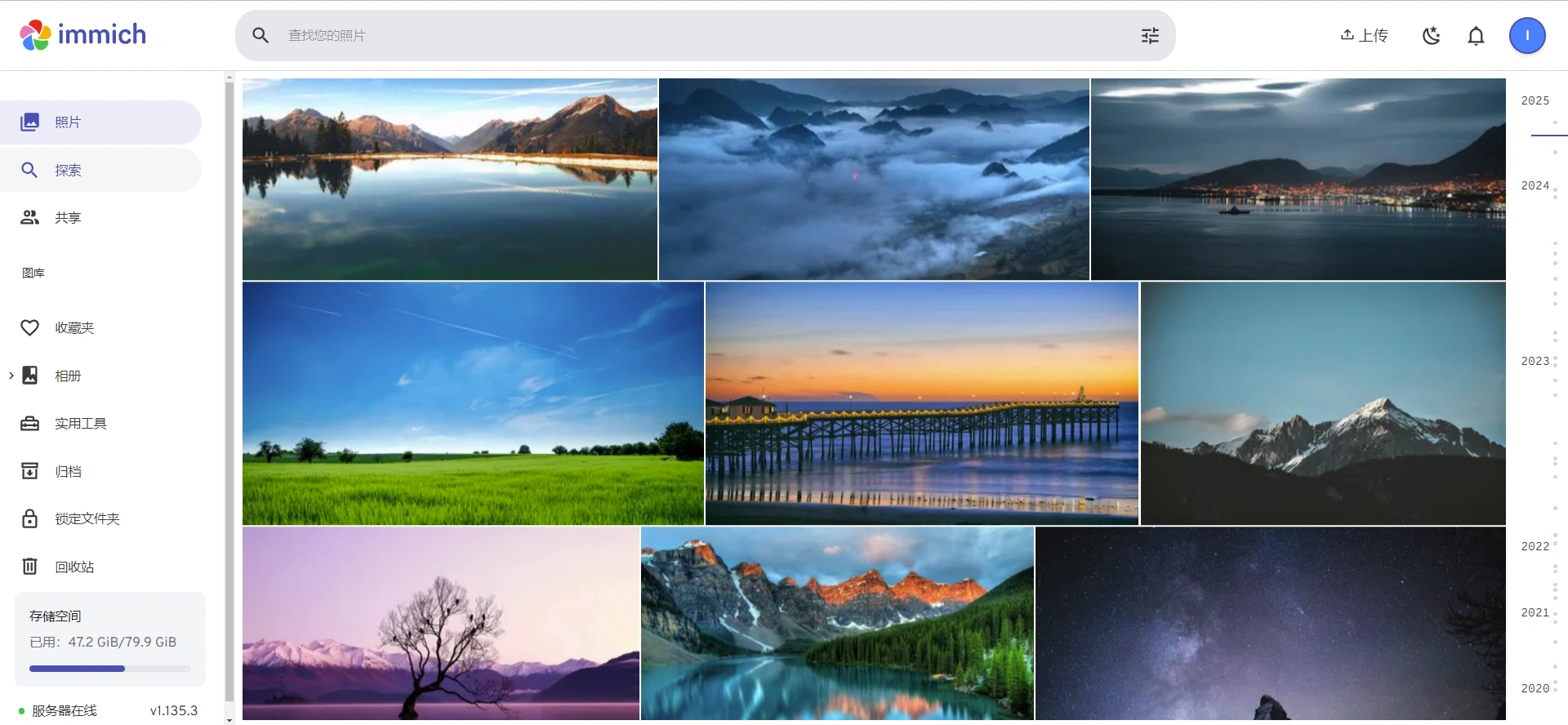
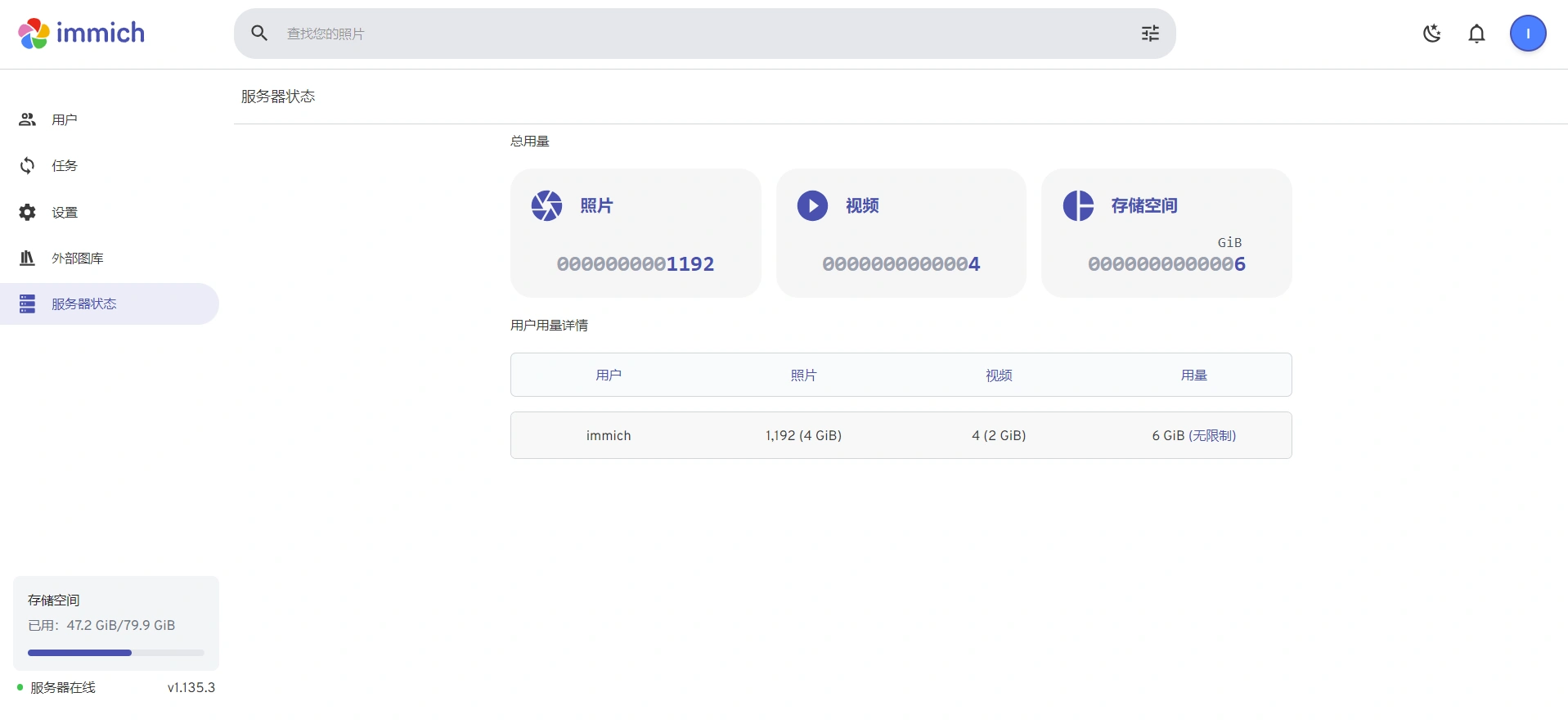
体验immich

从ip:2283访问immich相册服务。


手机应用

安卓系统可从https://github.com/immich-app/immich/releases/download/v1.135.3/app-arm64-v8a-release.apk下载手机应用,安装后可自动备份手机上的照片。


nas里很重要的两个应用就是影音管理和相册管理。影音用jellyfin,相册就可以用immich。数据备份对我来说倒不是很重要。

文章标签: web, nas

上一篇 : lucky ddns, 自动证书和反向代理一站式搞定
下一篇 : docker里安装真正能用的fnos
留言
阅读进度 0%